DISCLAIMER
· No one from FOLOOSI will never call you and ask you to change your password.
· Never share your card number, CVV, PIN, OTP or Password with anyone, even if caller claims to be a Foloosi employee.
How to Change your password:
Step 1: https://www.foloosi.com/merchant
Step 2: Please enter your Registered mail-id and password
Step 3: In the top right corner of your merchant panel Tap profile
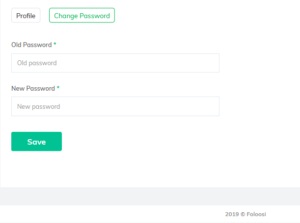
Step 4: There you can set your new password.

 Web Development Blogs